![Inspectly-logo.png]](https://help.inspectly.com/hs-fs/hubfs/Inspectly-logo.png?height=40&name=Inspectly-logo.png)
You can take a photo and use it as a floor plan for your project in the app.
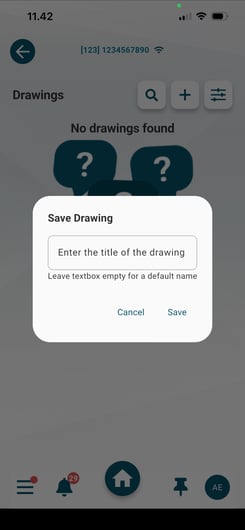
Open the app ➜ Project ➜ About Project ➜ Drawings ➜ Click the “+” button ➜ Take a photo ➜ Enter a title for the drawing ➜ Click “Save”
Afterwards, the photo can be used as a floor plan in the app and will be available whenever you or your colleagues want to perform Photo Documentation, Checklists, Tasks, or HSE.